Using Contacts
Downloading Contacts from Mobile Phone
Contacts record saved in the mobile phone can be downloaded into the system.
- Press [
 ] on the phone screen. Contacts screen opens.
 - Press [
 ] > [Download].
|
|

- Press [Yes].
|
,Reference |
|
Searching in Contacts
- Press [
 ] on the phone screen. Contacts screen opens.
 - Press [
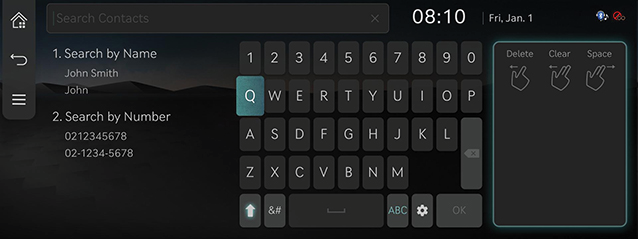
 ] > [Search Contacts].
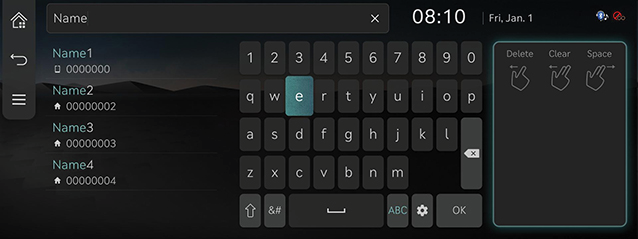
 - After entering a name or phone no., the contact list saved by the name or number is searched.
|
|
- Pressing the searched contact connects the phone call.
|
|
|
,Reference |
ex) When '010' is entered, all contact numbers including '010' are searched.
|